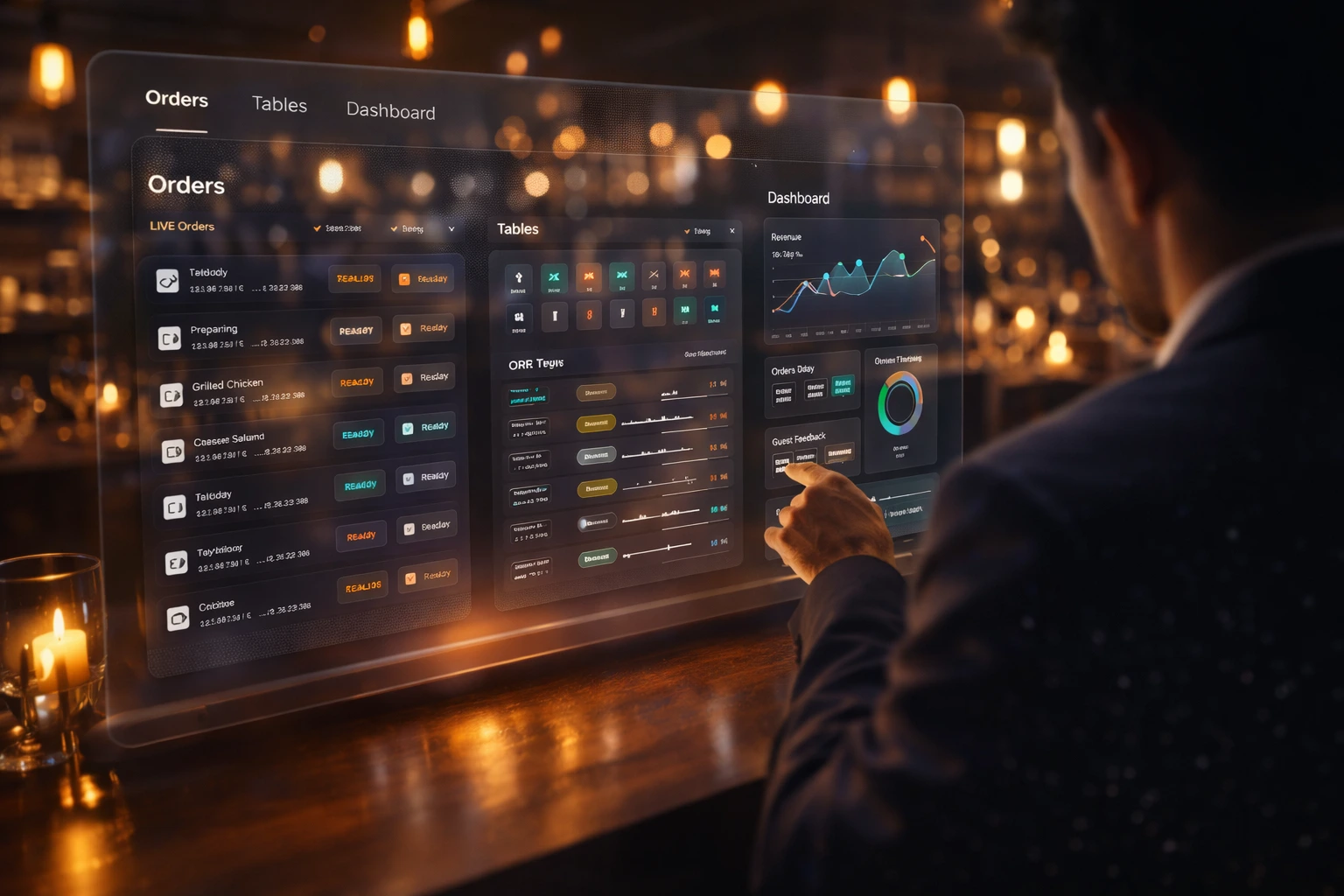
The operating layer for table-service restaurants
QR sessions, digital menu, ordering, kitchen flow, pay in seconds, reviews, and analytics—all in one platform, built for multi-branch.
Everything you need in one platform
Connected modules that work together seamlessly: from the moment a guest scans to the moment they pay and review.
QR Sessions
Each table has a unique QR code. When guests scan, they start a session tied to that table—no app download. Sessions link ordering, payment, and reviews to the right table for kitchen and staff.
Ordering
Guests add items, customize, and send orders to the kitchen with one tap. Orders are timestamped and associated with the table. Optional course or fire timing keeps kitchen and service in sync.
Kitchen Flow
Orders appear in your kitchen display or printer in a clear, actionable format. Status updates (preparing, ready) can flow back to guests and staff so everyone knows where each order stands.
Payments
Pay in seconds at the table. Card and digital wallets are supported. Guests can complete payment without handing over a card or waiting for a terminal.
Split Billing
Split the bill by item or evenly across the table. Add tips and handle group payments in one flow. Faster checkout and fewer disputes.
Reviews & Analytics
Right after payment, guests can leave a rating and optional review. See how each location performs: orders, revenue, table turnover, popular items, and reviews. Use the data to optimize menu, staffing, and operations across branches.
Cloud POS
Our own cloud-based point-of-sale built in. Run orders, items, and payments in one place so the front and back of house stay in sync—no third-party POS required.
Staff Management
Assign roles and permissions by branch. Control who sees orders, updates status, and accesses reports. Keep your team aligned and accountable.
Table Reservations
Let guests book a table in advance. Manage availability, party size, and time slots. Reduce no-shows and fill your floor with less back-and-forth.
How it works
From seated to satisfied—no trip to the counter.
- 1
Scan
Guests scan the QR code at the table—no app required.
- 2
Order
Browse the menu, customize items, and send the order instantly.
- 3
Track Order
Guests see live status updates from the kitchen in real time.
- 4
Pay
Pay securely at the table—faster checkout, fewer delays.
- 5
Review
Capture feedback right away to improve service and increase ratings.
Built for everyone on your team
Whether you're an owner, manager, or staff member, EZDineIn gives you the tools you need to run service smoothly.
Owner
- Manage menus and pricing across all locations
- Track revenue, orders, and table turnover
- View analytics and reviews to optimize operations
- Control settings and access per branch
Manager
- Monitor kitchen flow and order status
- Handle special requests and modifications
- Review daily performance metrics
- Manage staff access and permissions
Chef
- See orders as they come in
- Update order status (preparing, ready)
- Handle special requests and modifications for the kitchen
- Keep kitchen and service in sync with live updates
Waiter
- Handle guest requests and special needs
- Access table information and session details
- See when orders are ready to run to the table
- Support guests with payments and reviews at the table
Built for multi-branch
EZDineIn is designed for restaurants with more than one location.
- One dashboard to manage all branches or drill into a single site
- Shared or per-location menus and pricing
- Orders and analytics scoped by branch for comparison and reporting
- Consistent guest experience and branding across locations
Security & reliability
Your data and payments are protected with industry-leading security.
- Payments processed by PCI-compliant providers; we don't store card numbers
- Data encrypted in transit and at rest
- Redundant infrastructure and uptime targets for availability
- Regular backups and recovery procedures
- Industry best practices for access control and audit
Frequently asked questions
Everything you need to know about EZDineIn.
Ready to launch in minutes?
Join restaurants using EZDineIn to streamline service, increase efficiency, and delight guests.